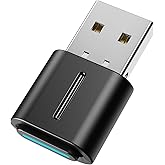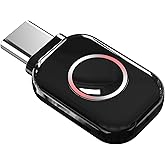




USB-C Bluetooth Adapter for PS5 - Wireless Audio Bluetooth 5.3 Transmitter with APTX Low Latency & aptX-Adaptive, Plug & Play for Headphone/Earbuds/PS4/Switch/Laptop/PC
8 000 ֏14 900 ֏
-46% offMar. 6 - 13 In Armenia
Delivery & taxes included
Condition: new
Specifications
- Support Audio Decoding:This Bluetooth transmitter defaults to the highest supported audio codec format. It natively supports SBC/Aptx/Aptx HD/Aptx low latency/Aptx adaptive/Aptx lossless, and will adapt according to your headset configuration. Note: Your source device and headset must support these codecs to work properly.
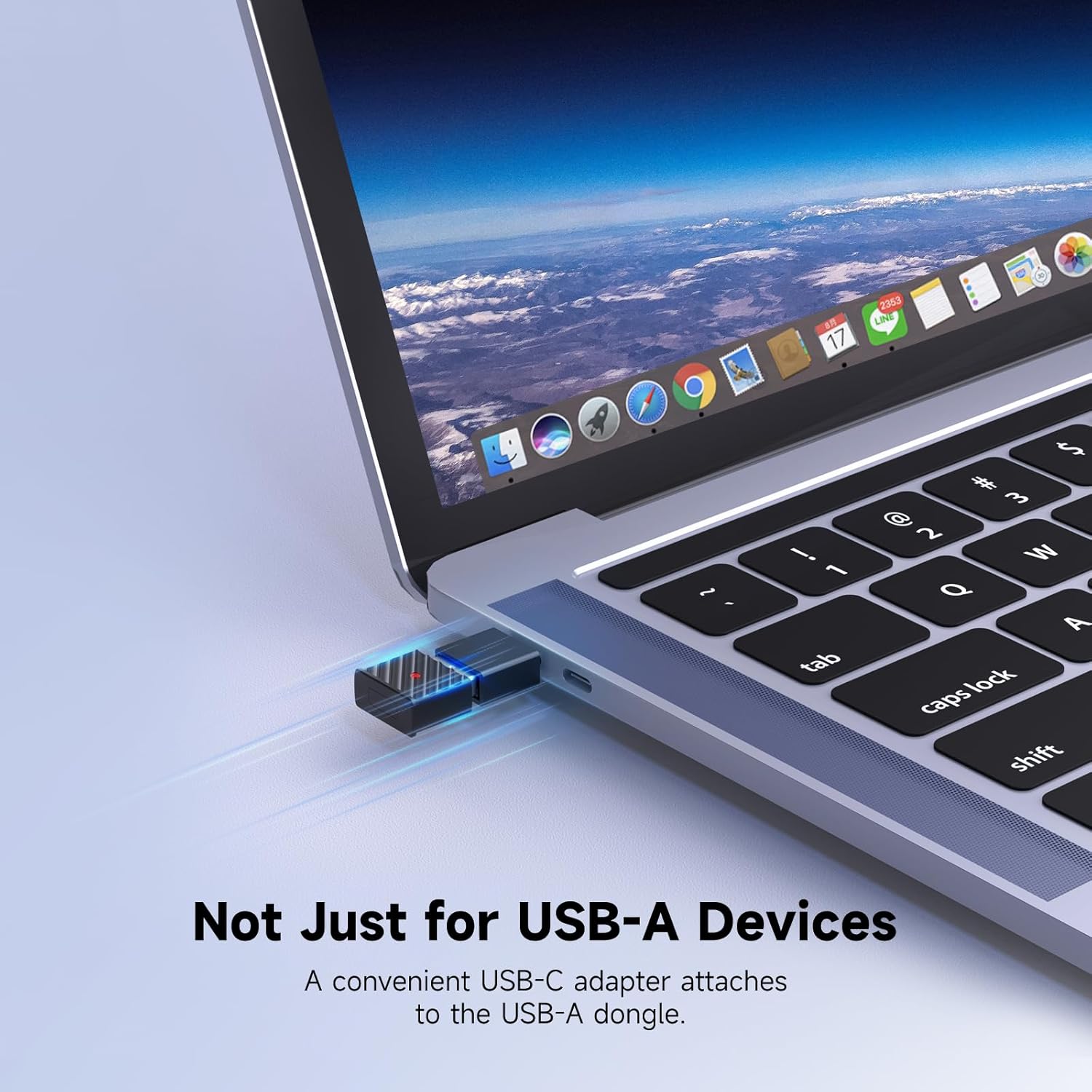
- Wide Compatibility: The Bluetooth USB adapter fully supports Windows 7/8/8.1/10/11, MacOS systems, and also seamlessly connects to a wide range of devices such as Bluetooth headsets/Earbuds/PS5/PS4/Switch/Mac/Laptop/PC(not compatible with Linux and AirPods Pro 2, PS Portal, Xbox). In addition, our product is equipped with a USB-C conversion port so that devices with only Type-C ports can have the same functionality.
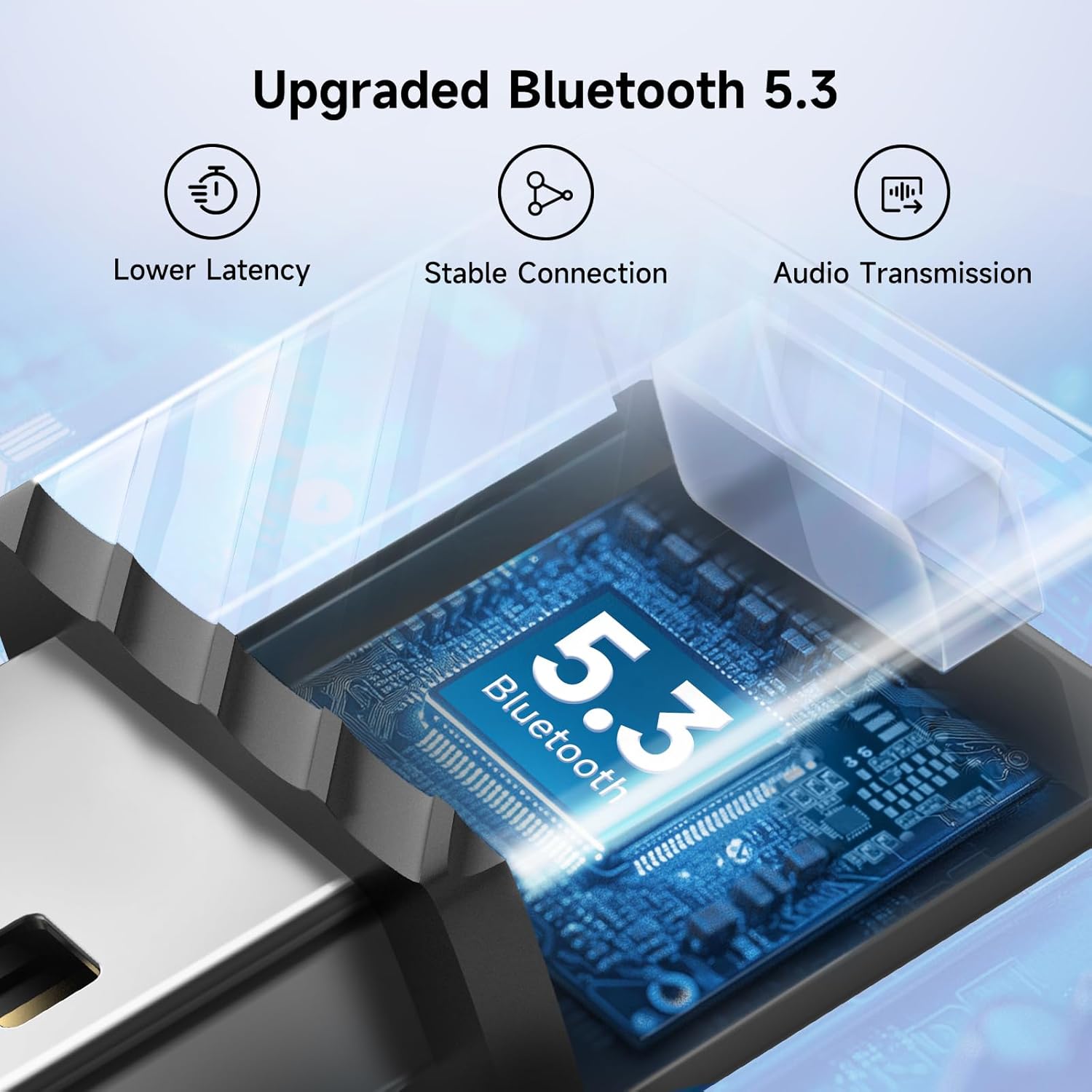
- Stable Connection: The Bluetooth audio adapter uses advanced Bluetooth 5.3 technology. Compared with the previous version, it provides higher transmission speed and lower latency, supports stable connection of wireless devices, and reduces disconnection and interference problems.
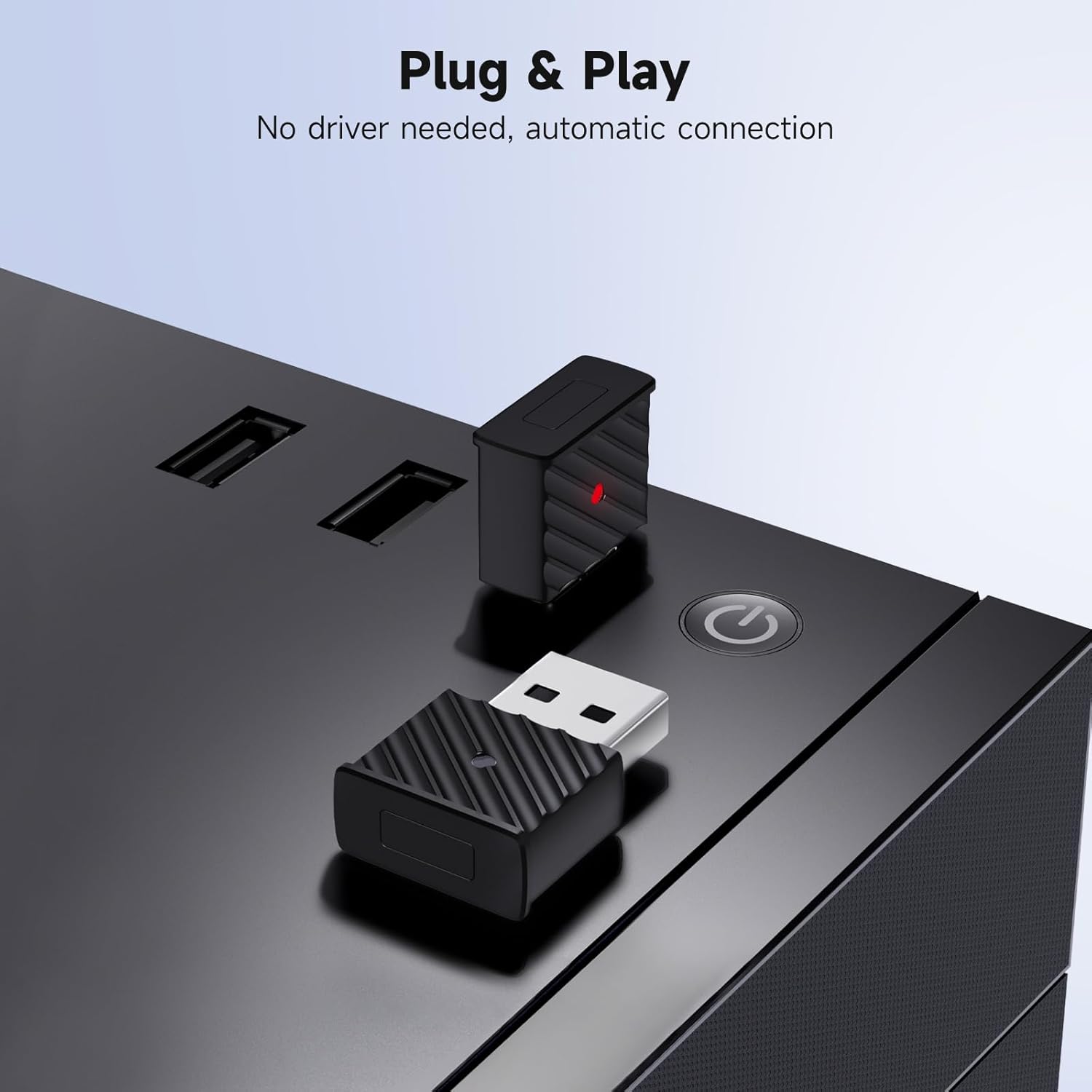
- Plug&Play: No need to install any driver software, just plug the wireless audio adapter into the USB port of the device and put the Bluetooth headset or speaker in pairing mode, they will automatically connect! After the first successful pairing, the Bluetooth adapter will automatically recognize the Bluetooth connection for subsequent use.
- Important Note on Voice: Please ensure the PS5 audio output is set to H9 for optimal sound transmission to your Bluetooth headphones. Without this setting, audio may not transmit properly.
- Important Note on Volume Optimization: This adapter appears as an audio device in the sound settings and supports volume adjustment. If you experience low volume issues even after adjusting the volume during the PS5 connection process, you can click Settings > Sound > Accessibility > Audio Focus in the PS5 system and select “Boost Voices” to improve the low volume issue.
- Important Note on Audio Quality: Selecting the adapter as the microphone input device may reduce audio quality. For the best audio output, it is recommended to use an external microphone for calls—specifically, in the sound settings, choose "Microphone on Controller" as the input device for the microphone, rather than "H9".
- Note: It is specifically designed for wireless audio transmission and is not suitable for data devices such as mice, keyboards, game controllers, or printers. Once paired with a Bluetooth headset, it supports both audio playback and microphone input, allowing two-way communication.(Provided that the headset have a microphone function).
8 000 ֏14 900 ֏
-46% offMar. 6 - 13 In Armenia
Delivery & taxes included
Condition: new
Specifications
Color
Black
Product Dimensions
1.06 x 0.7 x 0.31 inches
Item Weight
0.563 ounces
Item model number
H9
Customer Reviews
4.0 out of 5 stars
Date First Available
April 29, 2025
Manufacturer
Shenzhen Toptrone Technology Co.,Ltd